|
🚚 1 Hour Delivery in Dubai, Ajman & Sharjah
|
|
📲 Order via WhatsApp:
+971 50 749 4912
|
🚚 1 Hour Delivery in Dubai, Ajman & Sharjah
|
|
📲 Order via WhatsApp:
+971 50 749 4912

How to Reset IQOS ILUMA in Dubai: Fixing Red Blinking Light Errors

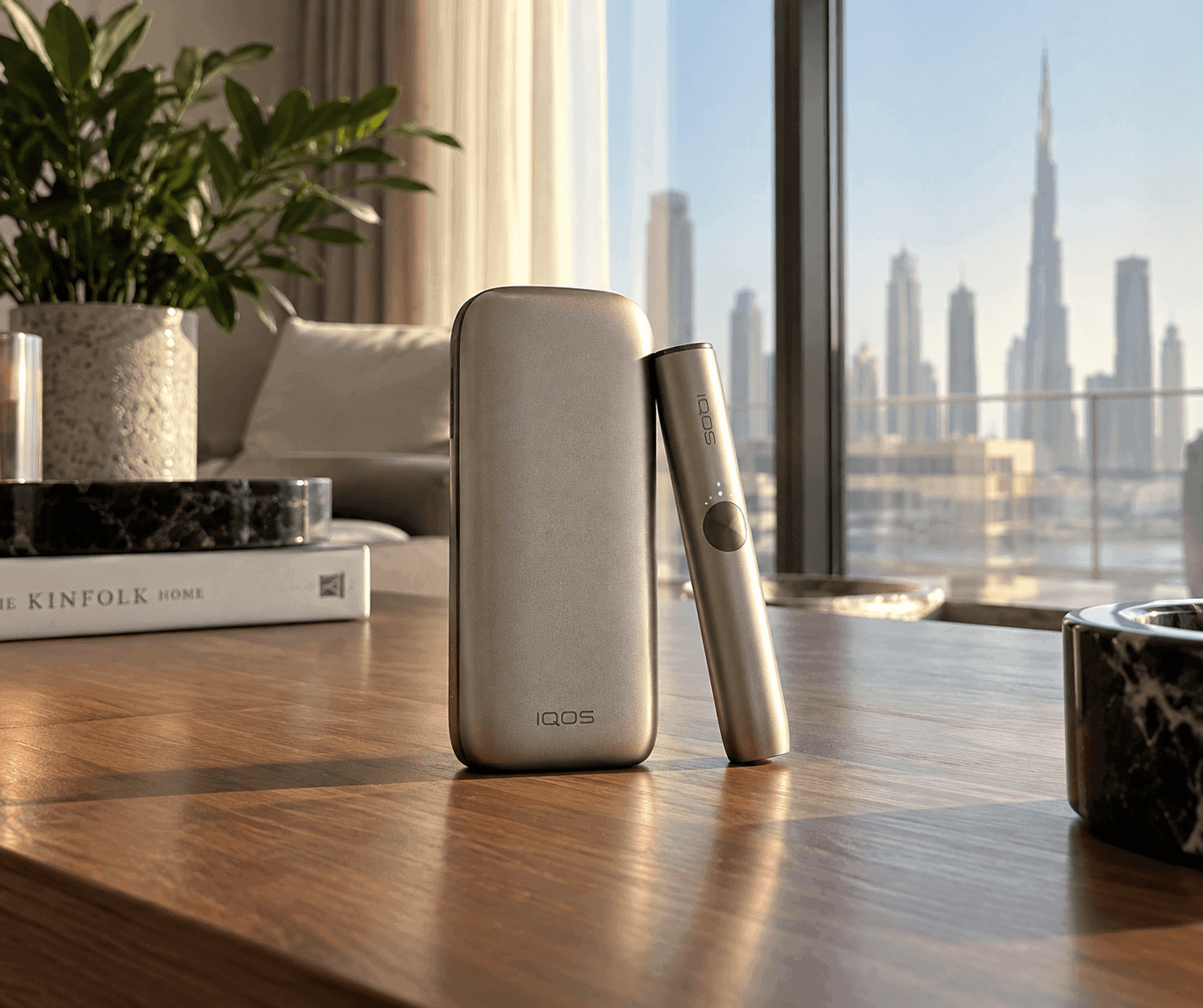
To reset an IQOS ILUMA device in the UAE, place the holder inside the pocket charger, close the door, and hold down the pocket charger button firmly for 10 seconds until all status lights turn off. Release the button; the LED lights will blink twice and fade back in white, confirming the reset cycle is complete. For the all-in-one Iluma I One or classic ILUMA ONE, hold the main body button for 10 seconds until the status bar flashes.
A persistent blinking red light indicates an operating temperature fault, an induction heating sensor cutoff, or a power delivery error. In the United Arab Emirates, where summer ambient temperatures frequently exceed 45°C, thermal protection circuits often trigger automatically. Performing a hard system reboot restores standard firmware states without risking damage to the device’s internal circuitry.
Why Is Your IQOS ILUMA Blinking Red? Decoding Status Lights
The IQOS ILUMA series uses the PMI SMARTCORE INDUCTION SYSTEM®, which swaps the traditional heating blade for internal electromagnetic induction coils. Because the device relies on sensitive magnetic flux sensors and lithium-ion safety logic, its LED indicators signal distinct operational states:
after docking, leave it inside the closed charger for at least 15 minutes before attempting a second reset.
Step-by-Step: Reset ILUMA i One Device Dubai
The single-unit IQOS ILUMA iOne Smart Illumination integrates the induction battery and heating chamber into a unified chassis. Because it lacks an external docking station, the manual reboot process runs through its tactile central interface.
- Remove Any TEREA Stick: Ensure the heating chamber is empty and slide the protective cap shut.
- Engage the Main Button: Press and hold the power button for exactly 10 seconds.
- Watch the Dynamic Light Strip: The vertical illumination strip will dim, turn off, and subsequently pulse through its diagnostic boot cycle.
- Release and Verify: Once the lights flash white and settle into a steady glow, the device is reset.
If an ILUMA i ONE flashes red right after you insert a stick, ensure no foreign foil fragments are wedged in the bottom receiver. The inductive sensor checks for appropriate metal mass before activating the high-frequency alternating current field.
Diagnostic Guide: IQOS ILUMA Error States & Practical Fixes
| Indicator / Error Pattern | Root Cause | Immediate Action | Prevention in UAE Climate |
|---|---|---|---|
| Blinking Red (Holder) | Induction loop fault or stick misread | Perform 10-second pocket charger reset | Insert TEREA stick straight without twisting |
| Blinking Red (Charger) | Battery protection / firmware crash | Hard reset; disconnect power cable | Avoid charging in hot vehicles or direct sunlight |
| Rapid Blinking White | Extreme ambient temperature cutoff | Bring inside an AC-controlled room (20–25°C) | Allow 15 min transition before starting session |
| Solid Orange / Dim White | critically low voltage reservoir | Connect to official 5V/2A type-C power supply | Avoid letting battery drain to 0% repeatedly |
| Unresponsive Holder | Contact pin oxidation or dust barrier | Clean base contacts with dry microfiber cloth | Keep pocket charger free of sand and pocket lint |
Addressing UAE Environmental Factors: Desert Heat, AC Cabin Shock, and Charging Errors
Living in Dubai, Abu Dhabi, or Sharjah presents specific environmental challenges for precision heat-not-burn devices. High ambient heat combined with powerful air conditioning frequently causes temporary electronic errors that look like hardware failure.
Thermal Protection Lockouts (Summer Driving Hazard)
PMI manufactures the SMARTCORE system to operate safely between 0°C and 40°C. Leaving your device on a car dashboard or inside a glove compartment in the UAE midday heat easily pushes device internals past 60°C.
When this happens, the battery safety board shuts down power delivery, illuminating a blinking red or rapid white warning. Do not attempt an immediate reset under direct heat. Move the unit into an air-conditioned room (roughly 22°C to 24°C) and let the battery settle naturally for 20 minutes before resetting.
Condensation from Indoor/Outdoor Humidity Swings
Stepping out of a chilled indoor space into intense outdoor humidity causes micro-condensation inside the heating chamber. Because the SMARTCORE system uses an induction coil to heat the metal susceptor inside each sealed stick, excess moisture disrupts the magnetic frequency response.
If your device refuses to register a newly inserted stick, gently wipe the chamber rim with an oil-free, dry cotton swab and allow internal moisture to evaporate.
Correcting the IQOS ILUMA Charging Error Solution
Avoid plugging your device into unregulated fast-charging phone adapters or loose vehicle USB hubs. Variable car currents can trip the overvoltage protection chip on the pocket charger. Always charge using an original 5V/2A power supply plugged directly into a stable wall outlet.
Frequently Asked Questions
Why is my IQOS ILUMA still blinking red after a reset?
If a hard reset fails to clear the red light, the device is likely locked in thermal protection or the lithium cell has completely discharged below its initial operating voltage. Connect the pocket charger to an official 5V/2A wall brick for 30 minutes, remove and re-seat the holder, and trigger the 10-second reset again.
Can I clean the inside of my IQOS ILUMA holder with liquid alcohol?
No. Unlike older IQOS models that had exposed heating blades, ILUMA devices use sealed electromagnetic coils that require zero maintenance. Introducing isopropyl alcohol or liquids into the ILUMA chamber can corrode the bottom optical sensors and short the high-frequency induction circuit, causing unrepairable red-light errors.
What causes the IQOS ILUMA i One to blink yellow or orange?
An orange or amber light on an ILUMA i ONE indicates a depleted battery requiring immediate charging. Plug the device into an authentic Type-C charger. Once the power level rises above the minimum threshold, the indicator switches back to white pulses, signaling normal charging.
Will resetting the IQOS ILUMA erase my customized settings?
Resetting the IQOS ILUMA or ILUMA i ONE restarts the hardware controller and clears temporary error codes, but it does not remove core firmware or Bluetooth pairing profiles saved in the IQOS app. Features like auto-start and vibration intensity will return to their established preferences once rebooted.
Authentic Devices and Express UAE Delivery
If your IQOS ILUMA continues to show hardware errors after exhaustive troubleshooting, internal induction components or the battery cell may have reached the end of their operational lifecycle.
At The Vape UAE, we supply 100% genuine heat-not-burn hardware sourced directly through verified distribution networks. Every unit features authentic serial numbers eligible for official validation, sold with clear AED pricing and no hidden import fees.
Take advantage of our 60-minute express courier service across Dubai, Sharjah, and Ajman, alongside rapid same-day dispatch to Abu Dhabi and next-day coverage across all remaining Emirates.